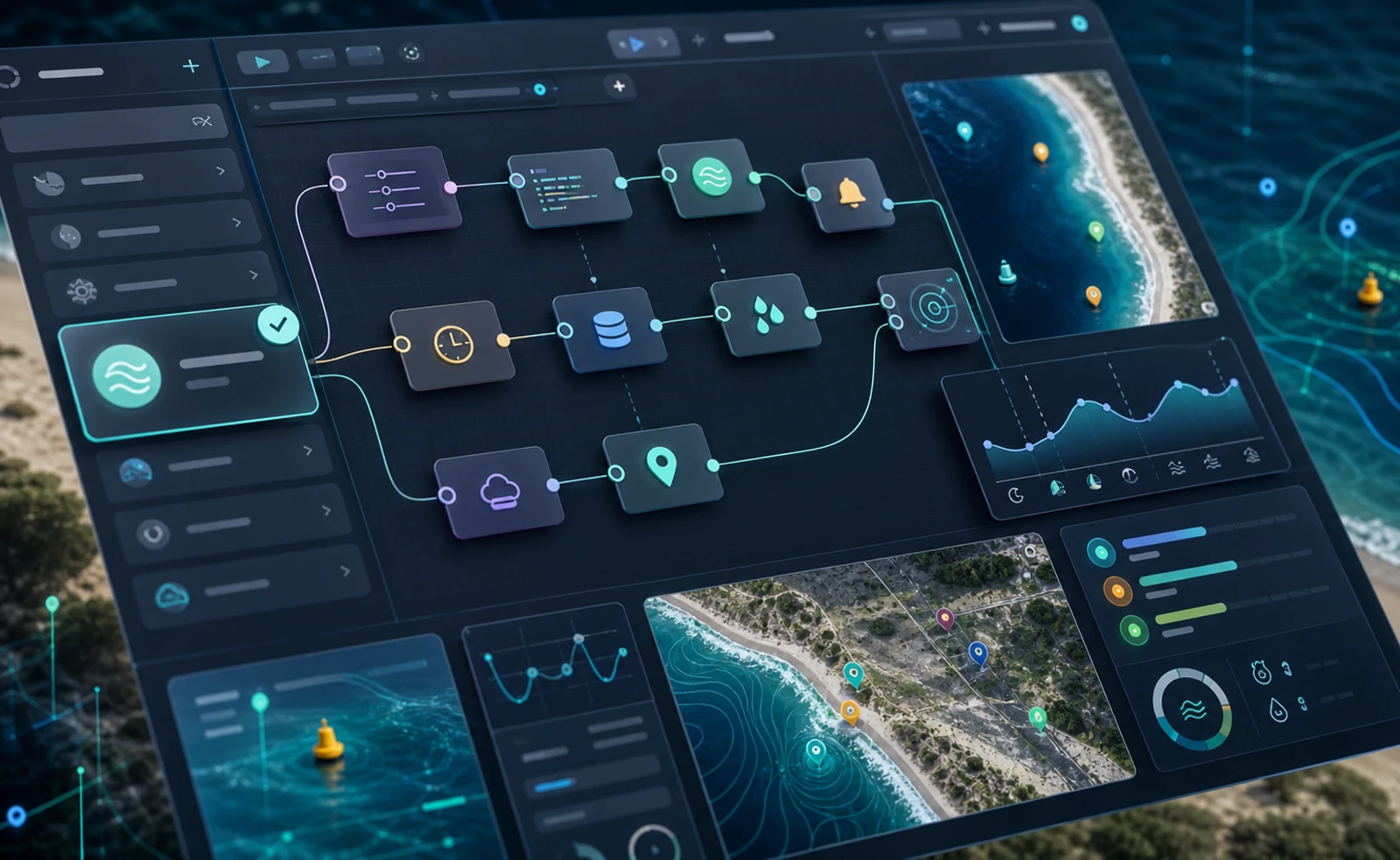
The Beach Day API n8n node has moved from a community install to a verified n8n Cloud app, which means teams can now find it directly inside the n8n node panel and start building workflows without a separate npm install step.
If you already use n8n for internal automation, this is the fastest way to pull beach search results, Beach Day Scores, and current beach conditions into operational workflows. Search for Beach Day in the n8n canvas, drag the verified node into your workflow, connect your API key, and route the output into Slack, email, webhooks, databases, or CRM steps.
You can see the live setup on the Beach Day API n8n integration page, browse the n8n-nodes-beachday npm package, or get your credentials from the Beach Day API docs.
What changed from community node to verified node?
Before this update, n8n users treated Beach Day API like a standard community node. That worked, but it added friction, especially for hosted teams. Verified status changes that in a few important ways:
- In-app discovery: n8n Cloud users can search Beach Day in the node panel and add it directly from the canvas.
- No npm install on Cloud: the node is available in the product interface instead of requiring manual package installation.
- Verified badge: the node carries the official verified checkmark, which gives users a stronger trust signal during setup.
- Cleaner evaluation path: teams can test the integration faster without extra admin or deployment work.
That makes Beach Day API more usable for technical teams comparing automation options across n8n Cloud and self-hosted n8n.
How to access the Beach Day API node
For n8n Cloud users
- Open the n8n editor and search for Beach Day in the node panel.
- Look for the verified Beach Day API node and drag it into your workflow.
- Add your Beach Day API credentials using an API key that starts with
bda_. - Choose an operation, test the node, and connect the output to the next step in your automation.
No separate npm package install is required on n8n Cloud.
For self-hosted n8n users
If you run your own n8n instance, you can still install the package directly:
npm install n8n-nodes-beachday

# Then enable community nodes in the n8n admin panel
This keeps the self-hosted path open for teams that want deeper control over runtime, deployment, or internal extensions.
What you can do with the node
The verified n8n node is designed for practical automation, not just one-off demos. Common Beach Day API operations include:
- Search Beaches to find beaches by name or geography
- Beach score lookup to route high-score or low-score conditions into downstream logic
- Condition retrieval for current beach context such as water quality, weather, and ocean-related data
Once the data is in n8n, you can fan it out to Slack alerts, email digests, webhook targets, databases, CRMs, and internal reporting steps.
Example workflow ideas
- Daily beach condition alerts for operations teams: run a schedule trigger every morning, pull current conditions, and send a summary to Slack or email.
- Automated beach-score routing: evaluate Beach Day Score thresholds and notify staff only when a beach crosses a useful threshold.
- Coastal data enrichment in internal databases: append beach search and conditions data to property, destination, or tourism records.
- Self-hosted workflow orchestration for travel or rental products: combine Beach Day API with internal systems, custom webhooks, and approval flows.
Why this matters for n8n users
n8n is a strong fit for technical teams that want more control than lightweight no-code automation platforms usually allow. Beach Day API already had a working n8n path through npm, but verified availability on n8n Cloud removes one of the biggest setup barriers. That matters when you want faster prototyping, easier team adoption, and a cleaner handoff from testing to production.
If you want to try it now, start with the n8n integration page, install or open the package listing, and use the API docs to generate your credentials and test your first workflow.