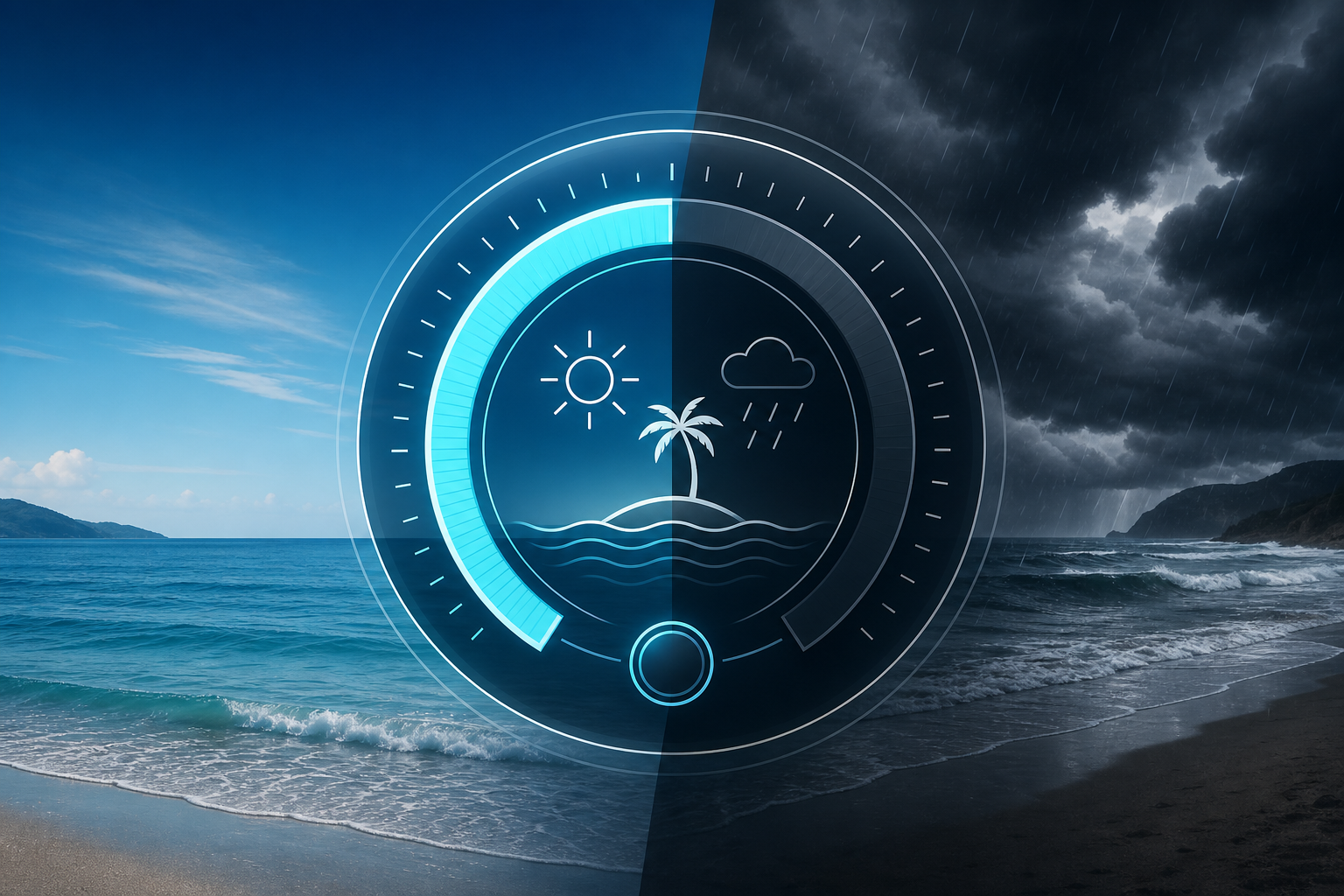
When you query the Beach Day API, every beach returns a beach_day_score value between 0 and 100. It is the fastest way to answer "is this beach good to visit right now?" without parsing raw weather, water quality, and advisory data separately.
This post explains how the score works, what inputs go into it, and how you can use it in your app.
What the score represents
The Beach Day Score is a composite indicator of how favorable current conditions are at a given beach. It combines four categories of data, weighted by their impact on the typical beach-going experience:
- Water quality — monitoring agency status signals (green, yellow, red) and any active advisories.
- Weather conditions — temperature range, precipitation likelihood, cloud cover, and overall sky conditions.
- Wind — wind speed and direction, weighted so that moderate breezes are fine but strong winds reduce the score.
- Advisories — active warnings (rip currents, high surf, bacteria alerts, beach closures) that override or significantly reduce the score.
Score ranges and what they mean
The score is grouped into five tiers that make it easy to present in any UI:
- 80–100: Excellent — Clear water quality signal, mild weather, no advisories. A great day to visit.
- 60–79: Good — Acceptable or unknown water quality, reasonable weather, minor or no advisories. A solid choice.
- 40–59: Fair — Uncertain water quality, less favorable weather, or a minor advisory. The beach is visitable but conditions are mixed.
- 20–39: Poor — A notable advisory is active, weather is unfavorable, or water quality is degraded.
- 0–19: Avoid — Active closure, red water quality signal, hazardous conditions, or a major weather event.
How it handles missing data
Not all beaches have complete data. The score handles missing inputs deliberately:
- If water quality data is unavailable, the score is based on weather and advisories alone, which typically places the beach in the Fair to Good range.
- If weather data is temporarily stale (older than a few hours), the score is adjusted downward slightly to reflect lower confidence.
- If an advisory is active, it reduces the score regardless of other inputs — safety takes precedence.
This means the score is always meaningful even when individual data sources are incomplete. A beach with "unknown" water quality and good weather might score in the 50s, telling the user conditions are acceptable but not confirmed.
How to use the score in your app
The Beach Day Score is designed to be used directly in consumer-facing UI. Common patterns include:
- Color-coded badges — green (80+), yellow (60–79), orange (40–59), red (below 40) on beach cards.
- Sorting and filtering — show "best beaches right now" by sorting score descending, or filter out beaches below 50.
- Search result enrichment — display the score alongside beach name and location so users can quickly compare options.
- Map markers — color-code pin icons by score tier on a coastal map view.
For apps that want more control, the raw data components (water quality, weather, wind, advisories) are available in the conditions response so you can build your own composite or apply custom rules.
Score limits worth knowing
The score is designed for general beach-going suitability. It is less useful for specialized use cases:
- Surfing — the score does not account for swell height, period, or direction. Pair it with a surf-specific data source for surf planning.
- Fishing — tide phase and marine conditions matter more than weather comfort. The score prioritizes the swimming/relaxation experience.
- Sunbathing — the score does factor in cloud cover and precipitation, but it is weighted alongside safety and water quality.
The score answers one question well: "is this a good day for a typical person to visit this beach?" For specialized audiences, the raw conditions data gives you everything you need to build a custom indicator.
Data freshness
The score is recalculated each time conditions data is refreshed. For US and AU beaches, that typically happens daily from government monitoring sources. For weather-dependent changes (temperature, wind, precipitation), the score updates with each Open-Meteo forecast refresh, which occurs approximately every hour.
For the full technical details, including score penalties per advisory type and weighting formulas, refer to the API documentation.